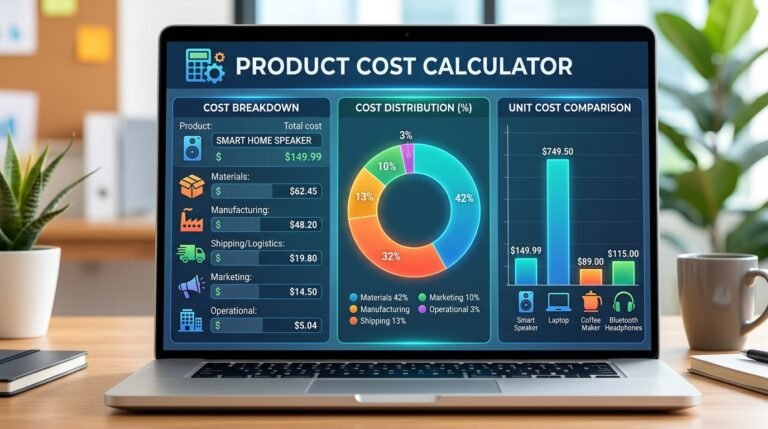
Know exactly how much profit you make on every sale. This free profit margin calculator finds your margin from cost and price, your selling price from a target margin, or your cost from price and margin. It also shows your markup, profit per unit and total profit, so you can price products with confidence.
How to use:
- Choose what you want to find: margin, selling price or cost.
- Enter the values requested and pick your currency.
- Add the number of units sold if you want total profit.
- Click Calculate to see margin %, markup %, profit and a cost vs profit bar.
Q: How do you calculate profit margin?
A: Profit margin = (selling price − cost) ÷ selling price × 100. If something costs $60 and sells for $100, the margin is 40%.
Q: What is the difference between margin and markup?
A: Margin is profit as a percentage of the selling price. Markup is profit as a percentage of the cost. The same $40 profit on a $60 cost is a 40% margin but a 66.67% markup.
Q: What is a good profit margin?
A: It depends on the industry. Retail and food often have low margins, while software and services often have high ones. Compare your margin with businesses like yours.
Q: How do I find a selling price from a target margin?
A: Choose “Selling price (from cost & margin)”. The formula is cost ÷ (1 − margin ÷ 100), so a $60 cost with a 40% target margin gives a $100 price.