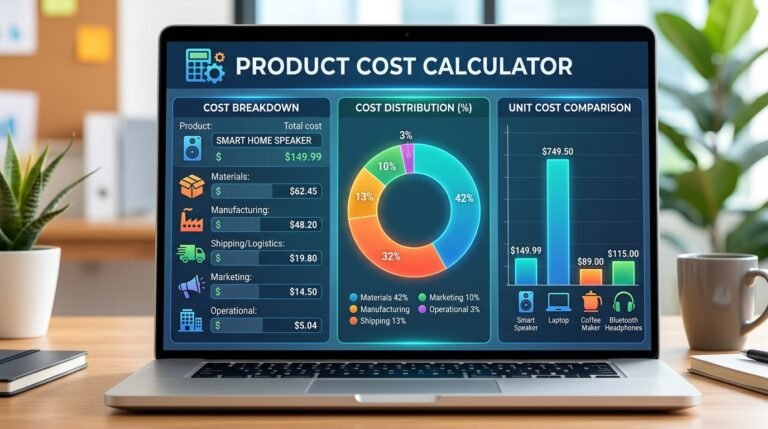
Pricing a product? This free markup calculator turns your cost and markup percentage into a selling price in one click. You can also find your markup from cost and price, or work back to cost. It shows the matching profit margin too, plus a quick markup-to-margin table, so you never confuse the two.
How to use:
- Choose what to find: selling price, markup % or cost.
- Enter your cost, price or markup percentage.
- Click Calculate.
- Review the markup, margin, profit and the quick conversion table.
Q: How do you calculate markup?
A: Markup % = (selling price − cost) ÷ cost × 100. To find a price from markup, use cost × (1 + markup ÷ 100).
Q: How much is a 50% markup?
A: On a $50 cost, a 50% markup gives a $75 selling price. That is a $25 profit, which equals a 33.3% profit margin.
Q: Why is my margin lower than my markup?
A: Margin divides profit by the (larger) selling price, while markup divides it by the (smaller) cost. A markup is always bigger than the matching margin.
Q: Can I work backwards to find my cost?
A: Yes. Choose “Cost (from price & markup)” and enter the selling price and markup. The cost is the selling price ÷ (1 + markup ÷ 100).