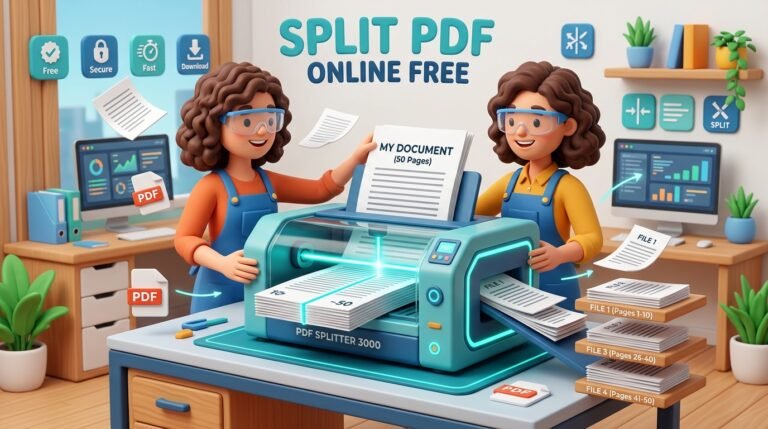
Merge PDF files online for free. Combine multiple PDFs into one document in seconds, reorder pages your way, and download instantly. No signup, no upload, 100% private. Need to combine several PDF files into a single document? Toolharo’s free Merge PDF tool lets you join reports, invoices, scanned pages, resumes, or study notes in just a few clicks. Add your files, arrange them in the order you want, and download one clean merged PDF. Everything happens right in your browser, so your files are never uploaded to a server and stay completely private. There is no signup, no watermark, and no software to install. It works on desktop, tablet, and mobile.
Drag & drop PDF files here
or click to choose files
Your merged PDF is ready
Download merged PDFYour files are merged in your browser and are never uploaded to any server.
How to Use the Merge PDF Tool
- Click the upload area or drag and drop two or more PDF files into the tool.
- Arrange the files in the order you want. Drag them up or down, or use the arrow buttons.
- Remove any file you added by mistake with the ✕ button, or add more files with “Add more”.
- Click the “Merge PDF” button.
- When the merge is finished, click “Download merged PDF” to save your combined file.